
Travel Routers with VPN vs. Travel Routers without VPN
Travel router with VPN or without? One of us does network reliability for a living — here's how we keep internet working at campgrounds and on the road.
Carlos Lopez
1/15/20255 min read
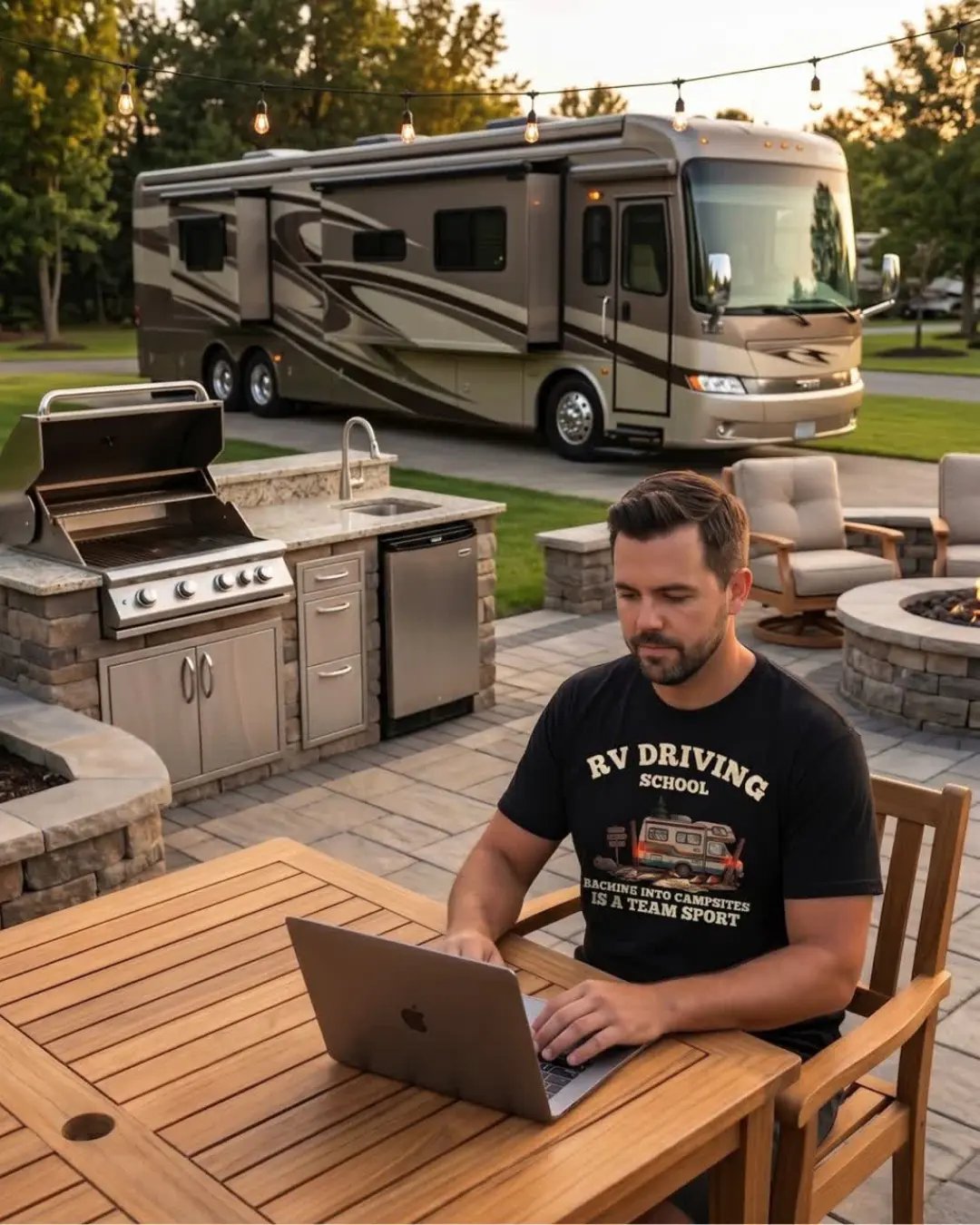
The Wi-Fi at every campground we have stayed at has had the same personality: strong at the office, hopeful at the bathhouse, and a rumor by the time it reaches your site. On our RV rental trips this stopped being a joke pretty fast, because one of us keeps systems online for a living — remote work travels with us, and a trip where the internet doesn't work is a trip that gets cut short.
That's why a travel router is on our short list of gear that earns its space. This post explains what a travel router actually does in plain language, and then gets into the real question people ask us: do you need one with a built-in VPN, or is a regular travel router enough?
What is a travel router and how does it work?
A travel router is a small, portable Wi-Fi router — usually about the size of a deck of cards — that takes whatever internet connection is available (campground Wi-Fi, hotel Wi-Fi, a wired port, or your phone's hotspot) and rebroadcasts it as your own private Wi-Fi network. Your laptop, phones, and tablets connect to the travel router once, and from then on you only ever join one network: your own. The travel router handles connecting to whatever the campground or hotel is offering, and your devices don't have to care.
That solves three problems at once. Your devices stop juggling a new network at every stop. Several devices can share one connection (handy when the campground gives you one login). And everything behind the router sits on your own private network instead of directly on a shared public one with every other camper.
Why does a VPN matter on campground Wi-Fi?
Campground and hotel Wi-Fi are shared networks — you're on the same network as every other guest. A VPN (virtual private network) encrypts your traffic so that anyone else on that shared network can't see what you're doing, and it shields things like logins and banking sessions from snooping. If you ever work from the road, check accounts, or just don't love the idea of sharing a network with forty strangers, a VPN is the standard answer.
You can run a VPN two ways: install the VPN app on every single device, or run the VPN on the router itself so that everything connected through it is automatically protected. That second option is the whole pitch for a VPN travel router — and it's the difference we're comparing here.
Affiliate Disclosure: Please note that this post contains affiliate links. As an Amazon Associate, we earn from qualifying purchases. This means if you click on a link and make a purchase, we may receive a small commission at no extra cost to you. We only recommend products we believe in and that add value to our readers. Thank you for your support!
Travel routers with VPN: one setup protects everything
A VPN-capable travel router connects to your VPN service itself. Set it up once, and every device that joins your router's Wi-Fi is encrypted automatically — laptops, phones, the tablet the kids use, the streaming stick. Nothing to install or remember per device.
Why we lean this way for RV trips:
One setup instead of five. Configure the VPN once on the router and you're done for the whole trip.
Everything is covered, including devices that can't run a VPN app at all (streaming sticks, e-readers, some smart devices).
Consistent protection — nobody forgets to turn their VPN on.
The honest trade-offs:
VPN-capable routers cost more than basic ones, and the VPN service itself is a subscription on top.
Encryption has overhead: speeds through the router's VPN are slower than a bare connection. On already-weak campground Wi-Fi, that can pinch.
Initial setup is more technical than a basic router. Not hard, but it's a settings page, not a single button.
Our pick to research in this category: the GL.iNet travel routers — the small GL.iNet mini routers are the names that come up constantly in RV and remote-work communities for exactly this job, with built-in support for the major VPN services. GL.iNet travel router
If you go this route you'll also need the VPN service itself — NordVPN is one of the established options with router support, sold as a 1-month, 6-month, 1-year or 2-year subscription. NordVPN
Travel routers without VPN: simpler and cheaper
A standard travel router does everything in the first section — your own network, one login, multiple devices — without built-in VPN handling. If you want encryption, you run the VPN app on each device that needs it.
Where this makes sense:
It's cheaper, and for casual trips that's a real argument.
Simplest possible setup — closer to plug-and-play.
If only one laptop actually needs VPN protection, an app on that laptop does the job without routing everyone's traffic through encryption.
The trade-offs:
Per-device VPN apps mean per-device setup, and devices that can't run apps go unprotected.
It's on each person to remember the VPN is on — which, in our experience of family tech support, means it usually isn't.
Our pick to research in this category: the TP-Link N300 travel router — small, inexpensive, and the standard recommendation for basic travel use. TP-Link N300
If you want more horsepower: the ASUS RT-AX57 Go is a newer Wi-Fi 6 travel router for people who want maximum speed and features in a portable unit. ASUS RT-AX57 Go
So which one should you get?
If you work from the road, travel with a family's worth of devices, or just want the security question answered once and permanently: get the VPN-capable router. The extra setup is a one-time cost, and from then on every trip starts with working, protected internet.
If you take a couple of casual trips a year, mostly want to fix the "one campground login, four devices" problem, and the only sensitive work happens on one laptop: a basic travel router plus a VPN app on that laptop covers you for less money.
We fall in the first camp — the work-can't-break camp — and that's the setup we're building toward for our own rig.
Setting up a travel router at a campsite
The basic flow is the same for both types:
Power the router (most run on USB — a power bank works in a pinch).
Connect it to the available internet: join the campground Wi-Fi through the router's setup page, or plug in if there's a wired port.
Connect your devices to the router's own Wi-Fi network — same name and password every trip.
VPN-capable router? Sign in to your VPN service in the router settings once, and confirm it shows connected.
Two placement tips from the keeping-things-online department: put the router where it can actually hear the campground signal — a window or high shelf on the side facing the Wi-Fi source beats a metal cabinet every time — and keep it away from the microwave, which shares its frequency range and will quietly wreck your connection every time someone reheats coffee.
And the unglamorous tip that solves more problems than any gadget: check the router for firmware updates before the trip, not during it.
The bottom line
A travel router fixes the everyday annoyance of campground internet; the VPN question is about whether you want security handled once at the router or per-device. For remote workers and families, the with-VPN setup wins. For occasional light travel, the basic router is honest value.
We're still in the rental-and-research phase of RV life, and connectivity gear is the category we obsess over most — when your job is keeping systems online, "the campground Wi-Fi was down" isn't an excuse you get to use. If your rig setup includes a desk, this is gear worth getting right.
And if you're figuring out this life one trip at a time like we are — we make funny RV life and camping shirts at Horacio & Visconti, printed on Comfort Colors, designed in Tennessee.
© 2026 Horacio & Visconti. All rights reserved.